Cybersecurity
at another level
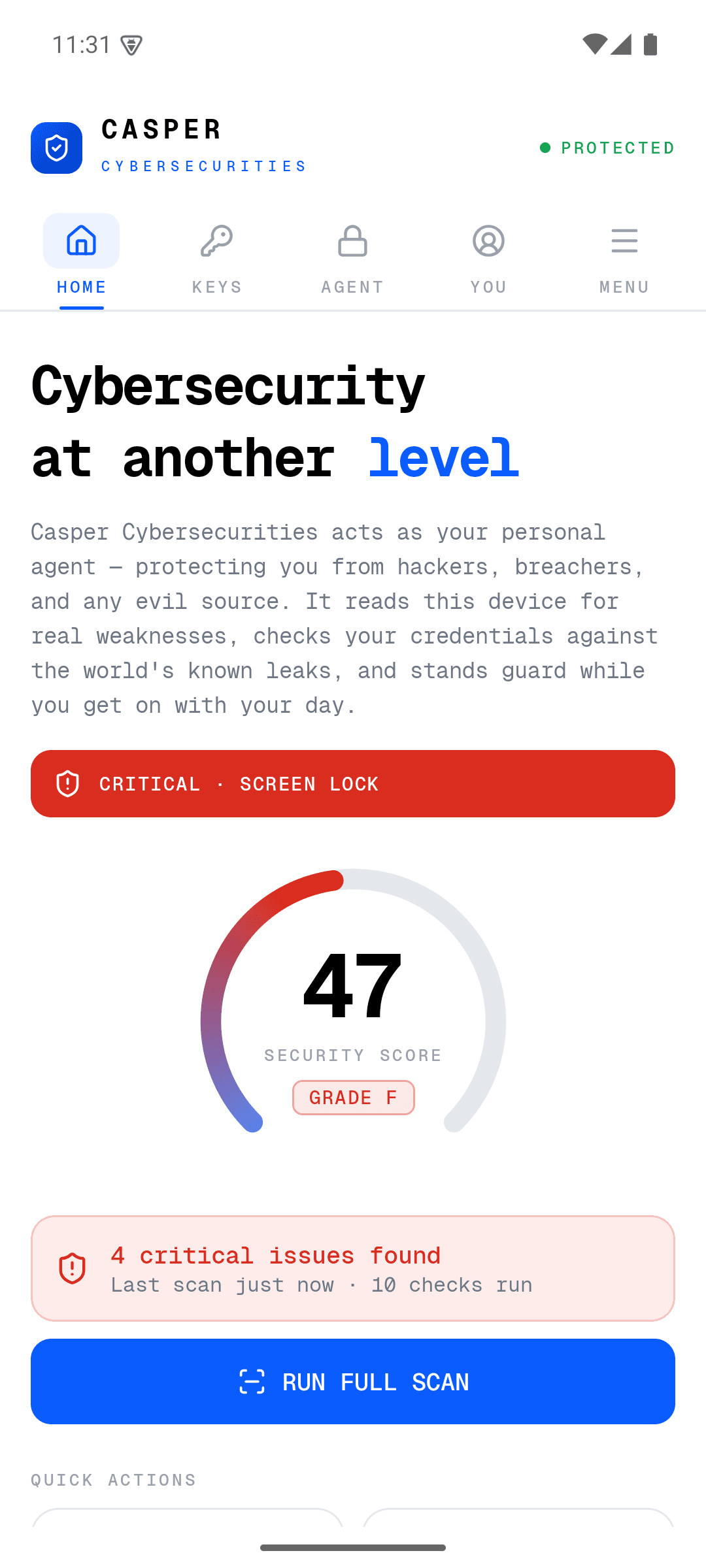
Casper Cybersecurities acts as your personal agent, protecting you from hackers, breachers, and any evil source. It reads your device for real weaknesses, checks your credentials against the world's known leaks, and stands guard while you get on with your day.
Protection that's actually real
Not a checklist app. Every number you see is measured from your device or a live threat database — never faked.
Real device scan
Ten checks against your phone's actual state — screen lock, USB debugging, root, patch level and more — scored 0 to 100. Nothing simulated.
Live breach lookups
Ask if any site was breached and Casper checks the real Have I Been Pwned database — 850M leaked credentials, updated continuously.
Hardware passkeys
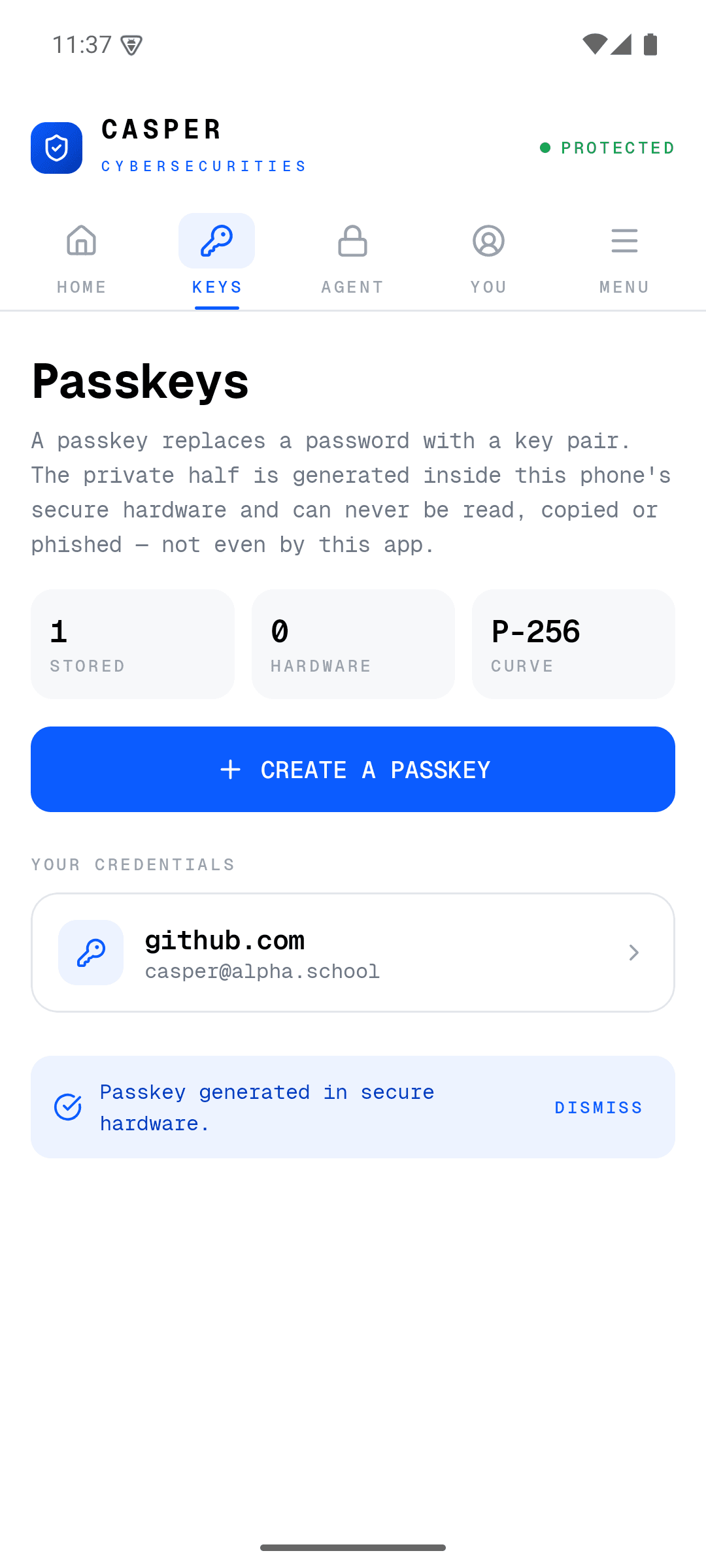
Every passkey is a genuine P-256 key pair generated inside your phone's secure element. The private key can never be read or phished.
An agent that talks
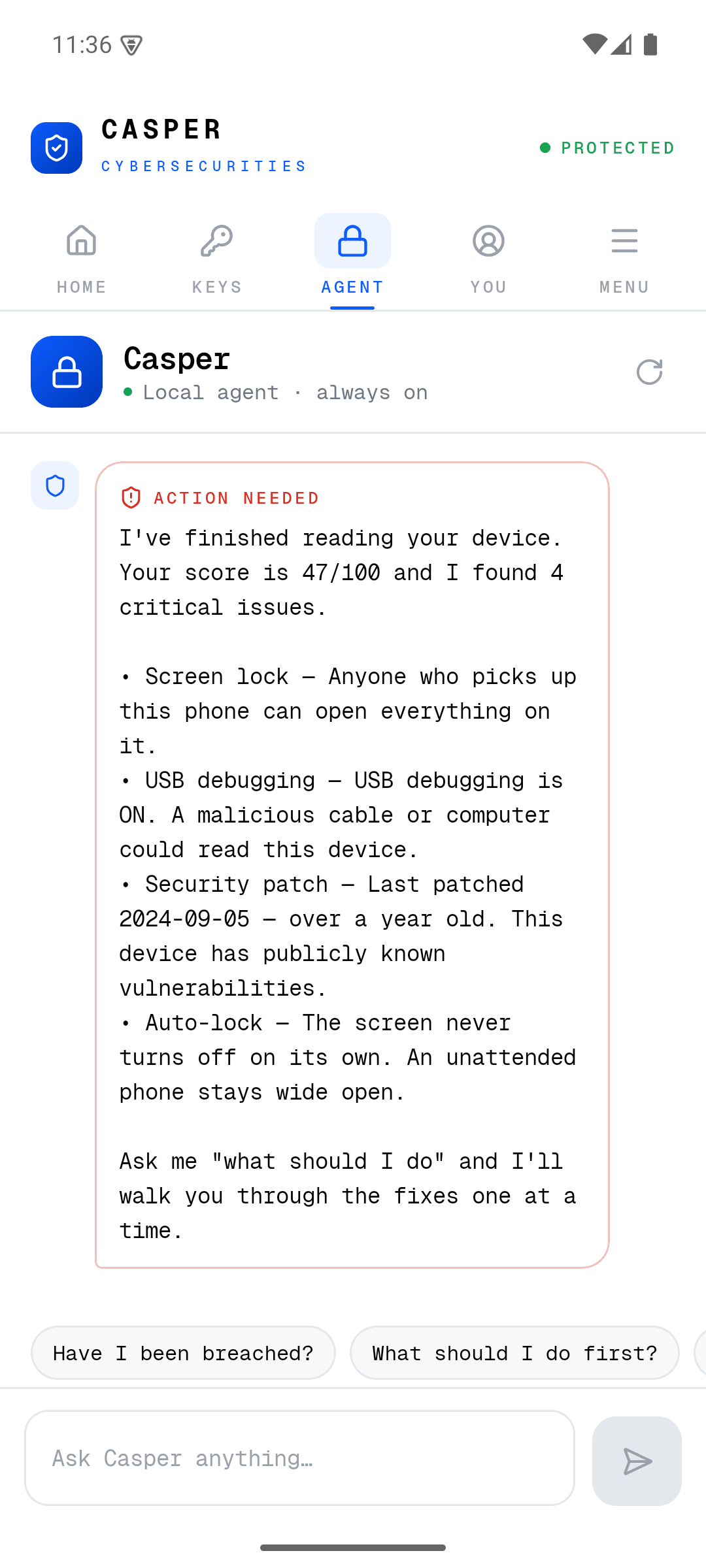
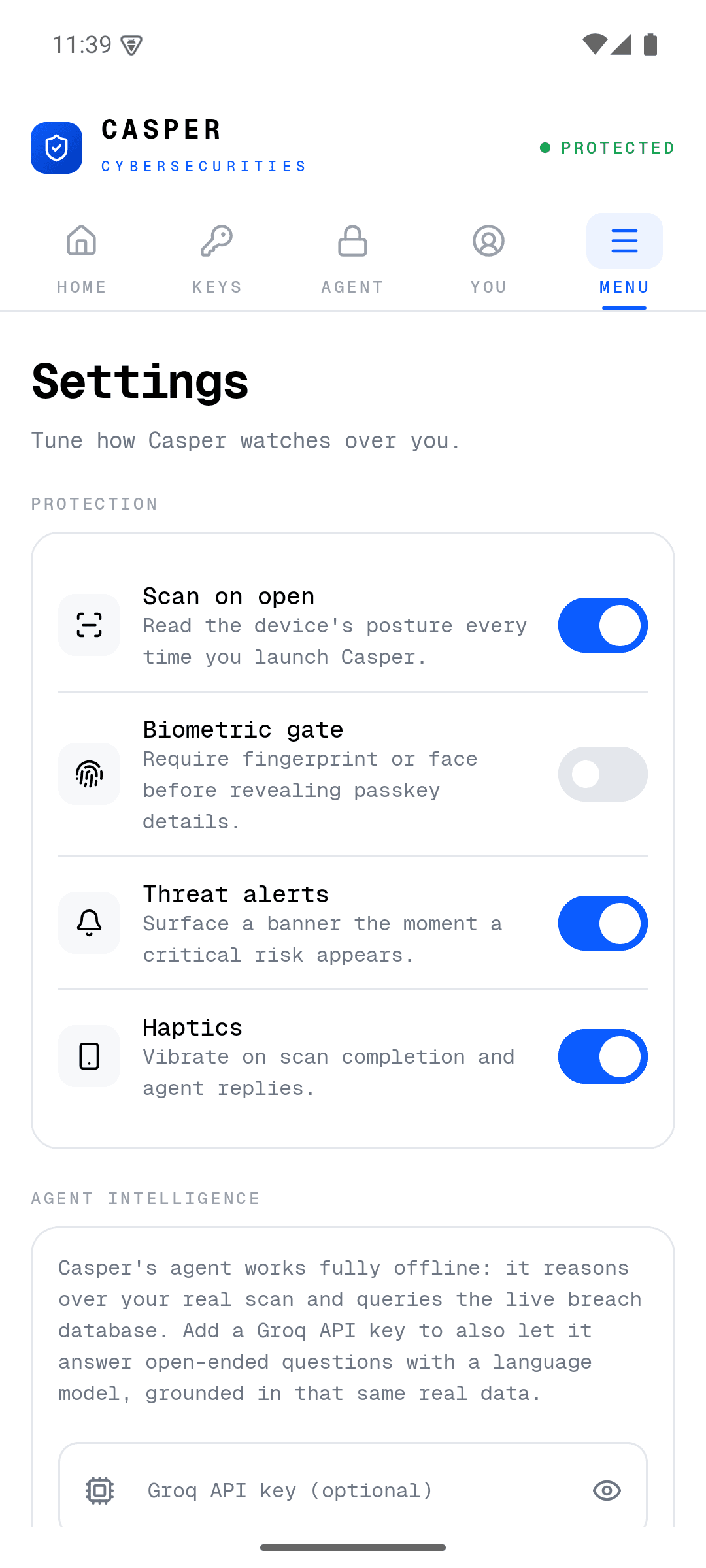
Tell Casper your worry in plain words. It reasons over your real scan and walks you through fixes, one at a time.
Private by design
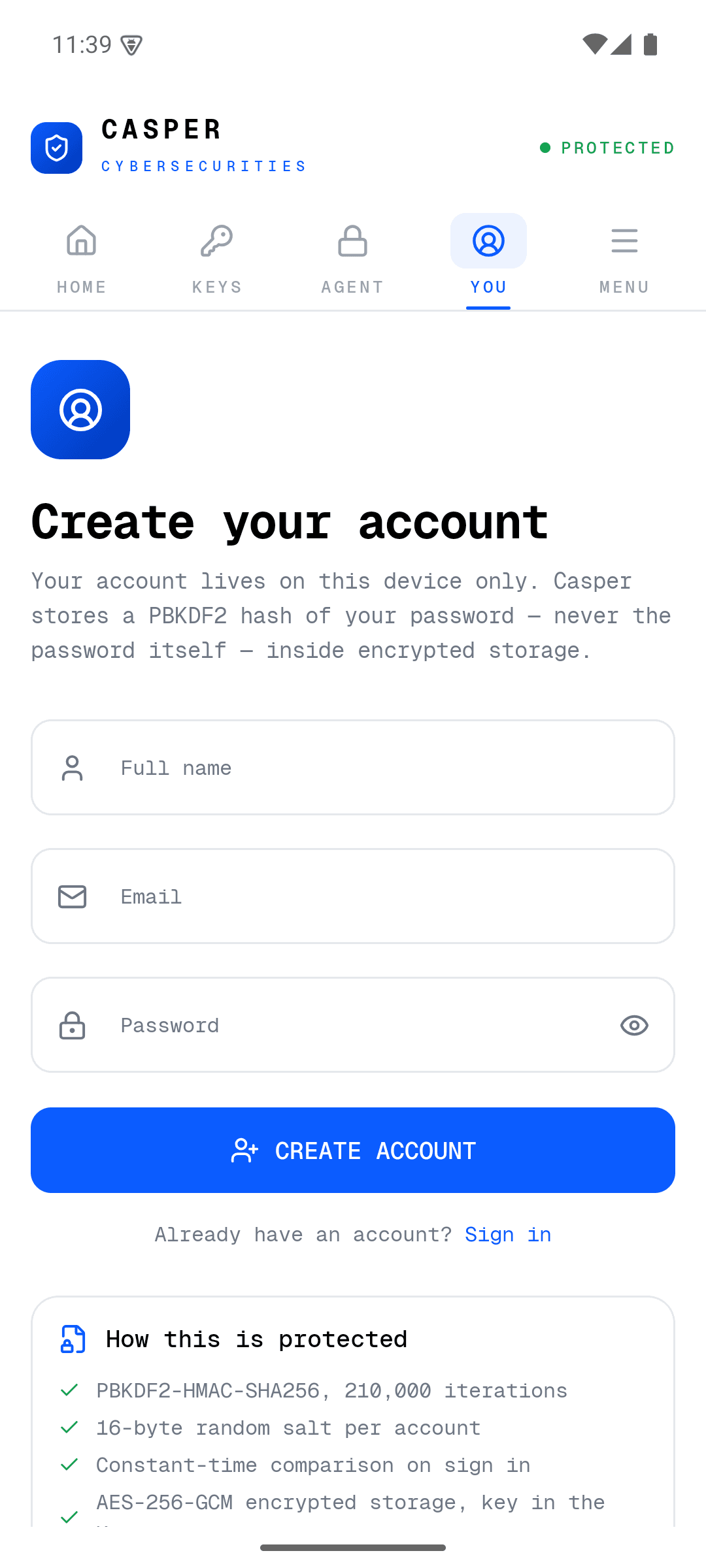
Passwords are checked without ever leaving your phone — only five characters of a hash are sent. Accounts are PBKDF2-hashed locally.
Works offline
The agent runs on-device with zero setup. Add your own AI key for open-ended answers — optional, never required.
Sleek, clean, a little futuristic
Put Casper on your phone
One tap to download. Because it's installed directly (not through the Play Store), Android will ask you to allow it — that's normal for a direct install.
12 MB · Android 8.0+ · v1.0 · free
- 1.Tap download on your Android phone
- 2.If asked, allow installs from your browser
- 3.Open Casper and run your first scan